To download a book into iBooks on your iPad
- Open the iBooks app
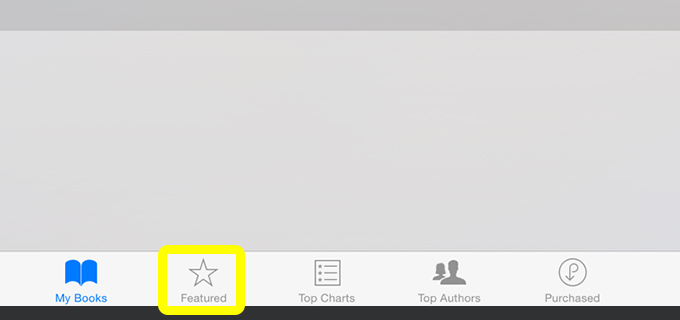
- Press the Featured icon to take you to the iBooks Store
- Search for a book, eg iPad User Guide for iOS 8.3 by Apple Inc., by typing the word Apple in the search bar on the top right hand corner.
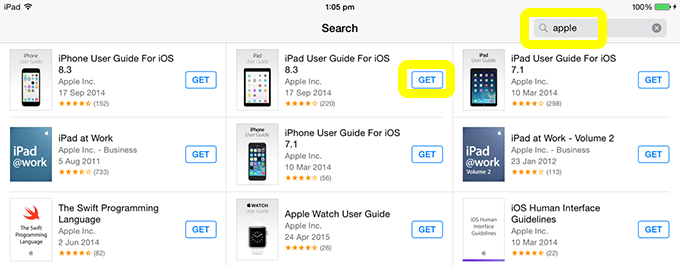
- Press the blue GET button next to the iPad User Guide. This will then turn into a green GET BOOK button. Press this button.
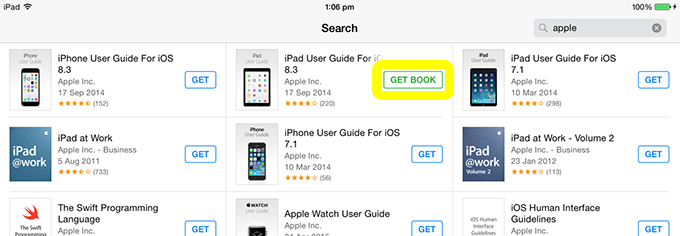
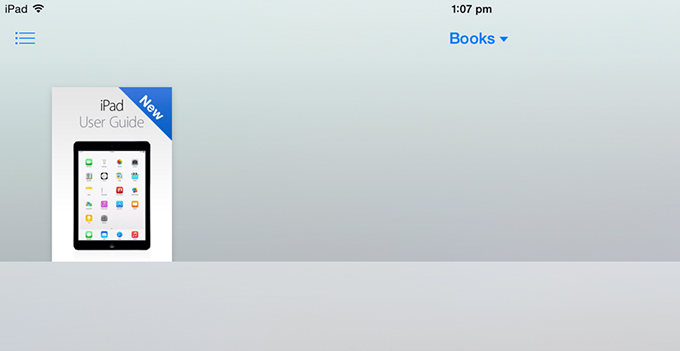
- Enter your Apple ID Password and the book will download into your iBooks Books Collection.
For further information about the features of the iBooks app see the Using the Features of the iBooks app post.