How to see room/resource bookings in Edumate
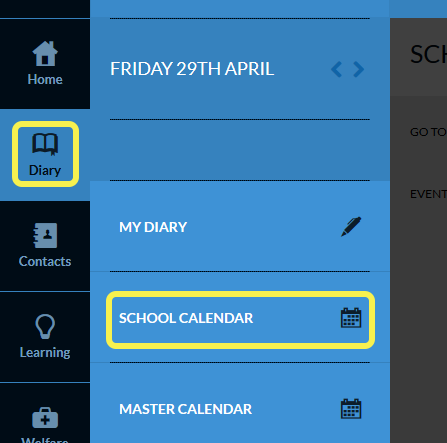
- Select Diary from your Home Screen then select School Calendar
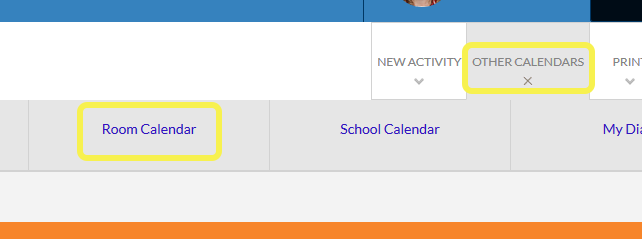
- Select Other Calendars (top menu) then select Room Calendar
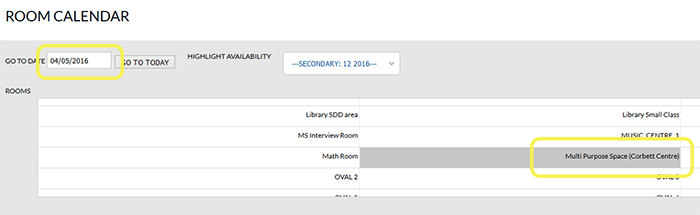
- Select the date you need to check. This step is important as Edumate generally takes you to the last week at which you were looking
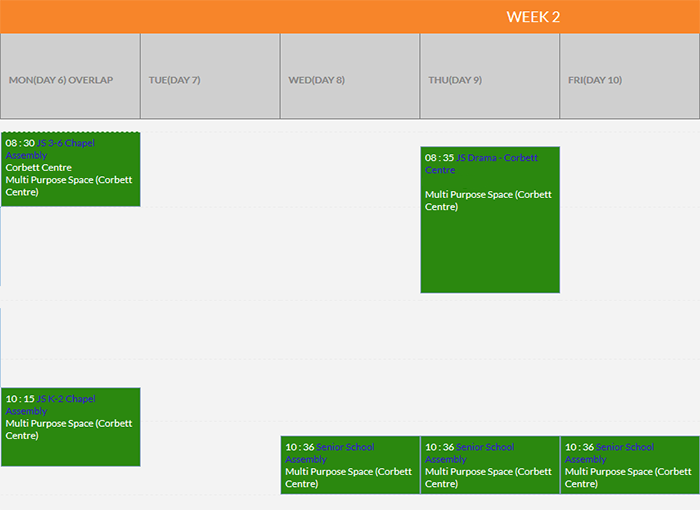
- Select the room either by scrolling down or using the search option
TAGS:edumate