To use the Google Drive app:
- Find and download the Google Drive app in the App Store
- Open the Google Drive app. You will be required to sign in upon first opening the app. Sign in using your school email and password.
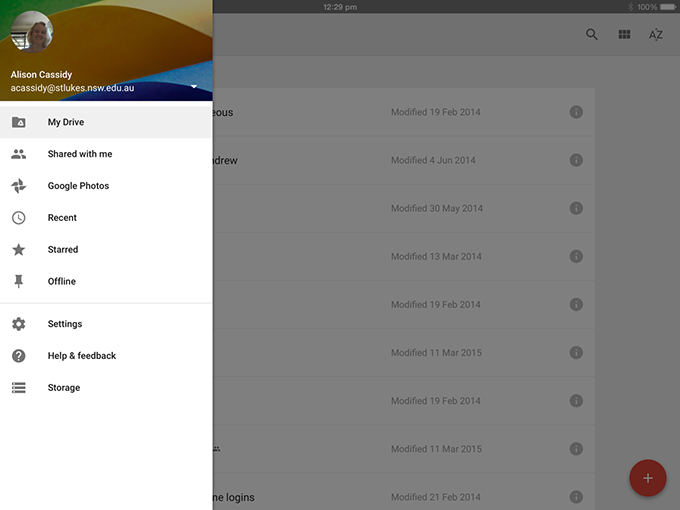
- You can view the files in your own drive, files shared with you, most recently opened files and favourites. To return to this menu from within one of these options, select the menu icon as shown.
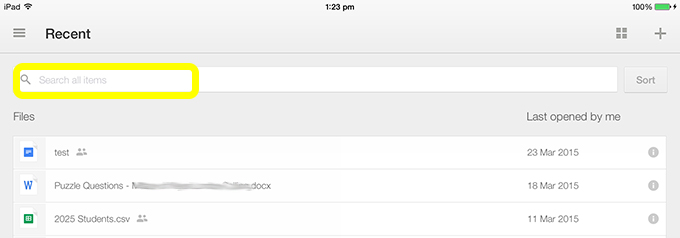
- To search for a file enter text in the search bar
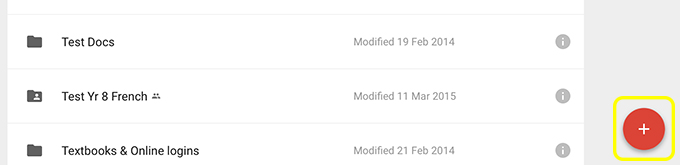
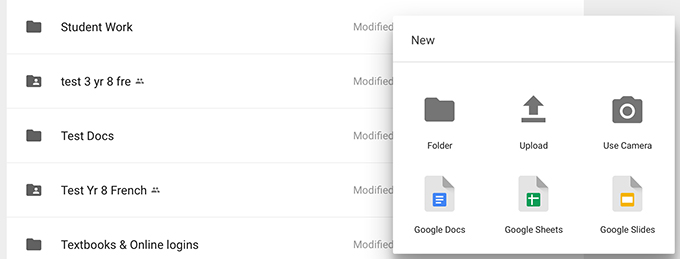
- To add a file select the +. You can create a new text document, spreadsheet, presentation or create a new folder. You can also upload a photo, video or other file.
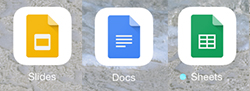
- Select a file to edit it. You will be prompted to get the free Google App that is required for editing each file type (if you do not already have these). Download these apps from the App Store.
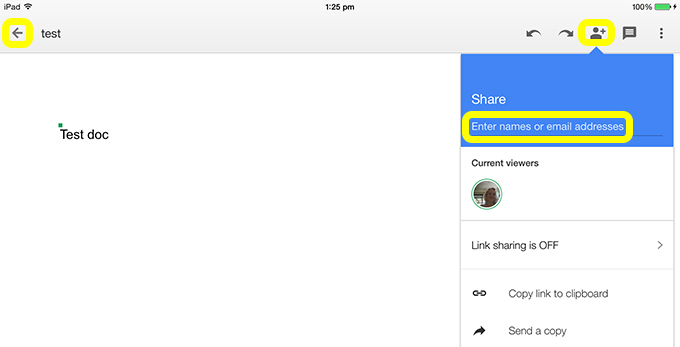
- To see who is currently viewing the same document select the people icon. This is also how you can share the file. Select the left arrow to go back to your list of files.