Using ClickView
- Students and staff should access ClickView via the SLIK My School Apps page. If requested, log in with your school username and password.
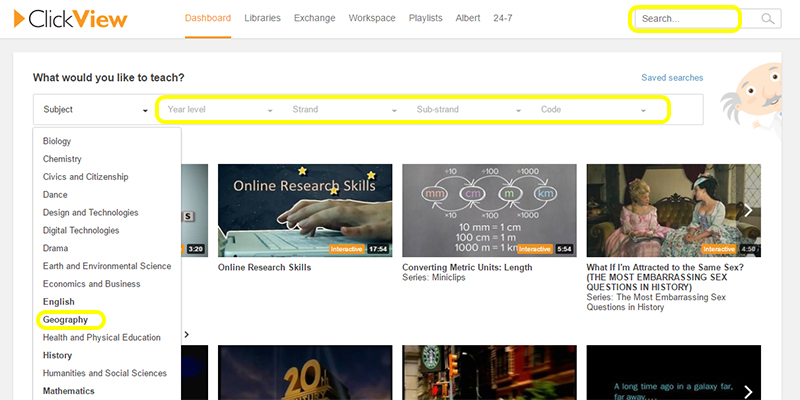
- You can search by title or subject in the search bar on the top right or you can browse through subject area by selecting a Subject from the drop down menu. You can further tighten your search by selecting Year level, Strand, Sub-strand and Code from the various drop down menus.
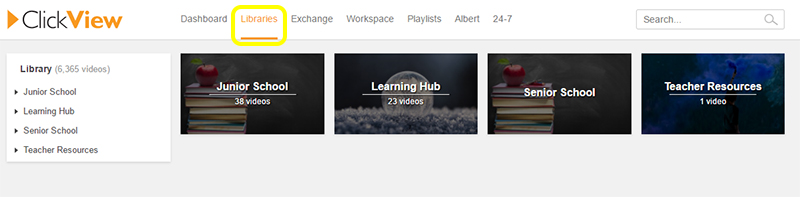
- You can also narrow down your search to a particular Library such as Junior School