- Open Audacity

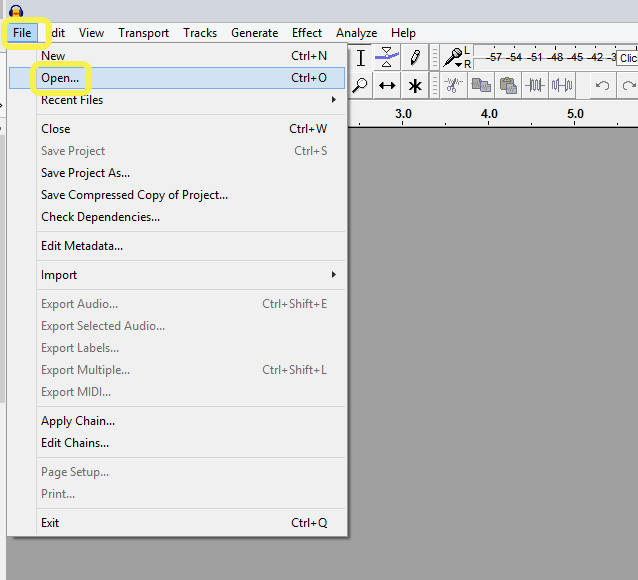
- Go to File, Open and find the audio track you want to split
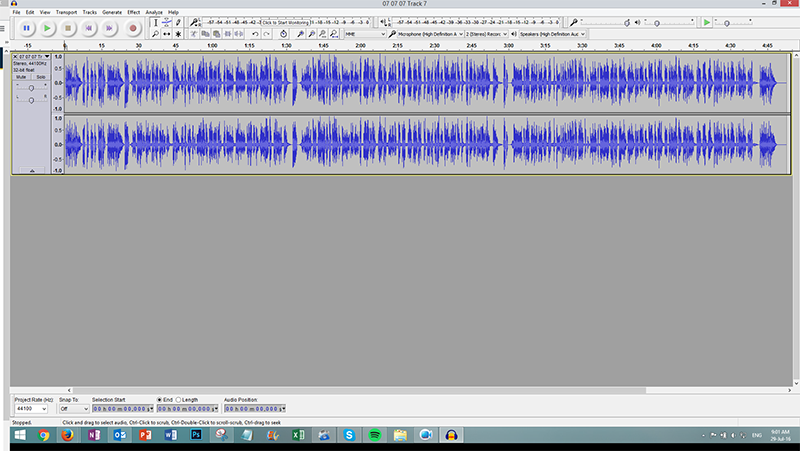
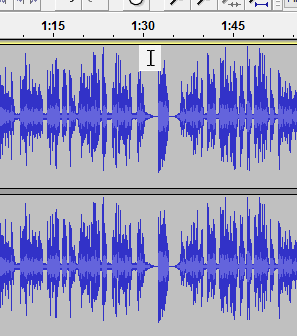
- You will see your audio file displayed as below
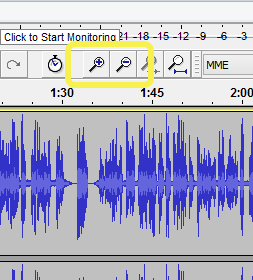
- If you want to stretch out your track use the +magnifying glass
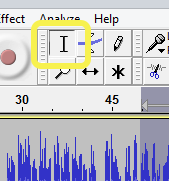
- Make sure you have the Selection Tool selected
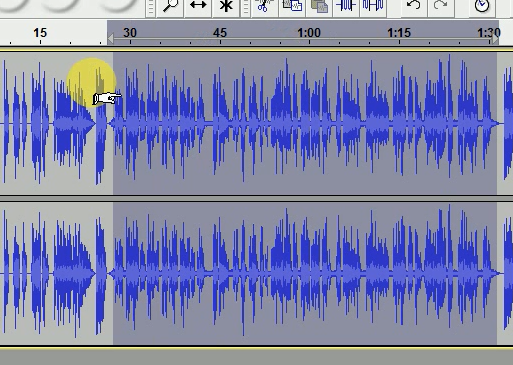
- Click into the grey area at the end point of the first section
- Start dragging left to the start of the section. A hand will appear when you start dragging (don’t worry if it’s facing the wrong direction).
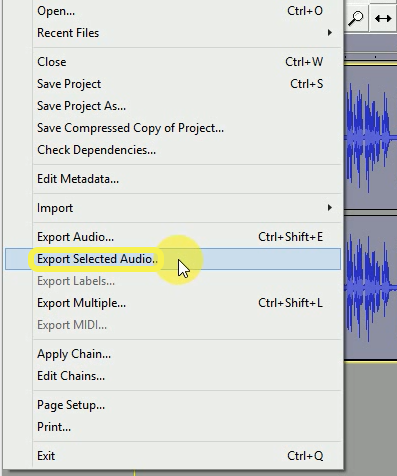
- When you have highlighted the desired section go back up to File & choose Export Selected Audio…
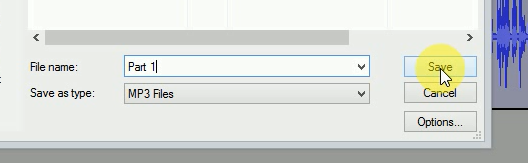
- Save the required section
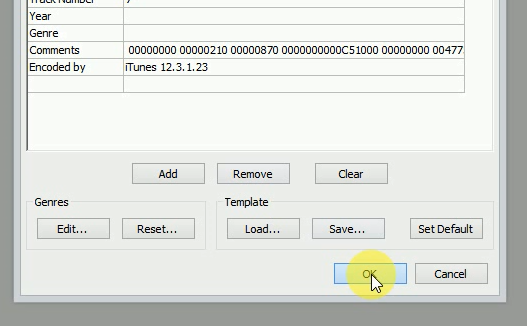
- A dialogue box will appear with a lot of different options. Just select OK.
- When that section is saved you can start on the next section.
- Here is a short screen recording