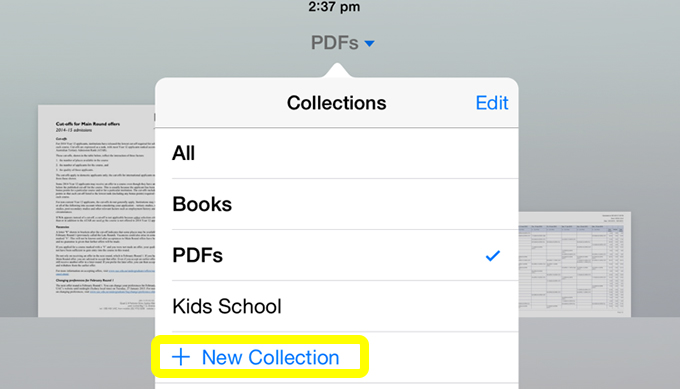
To organise PDFs in iBooks on your iPad
- Under Collections, select + New Collection
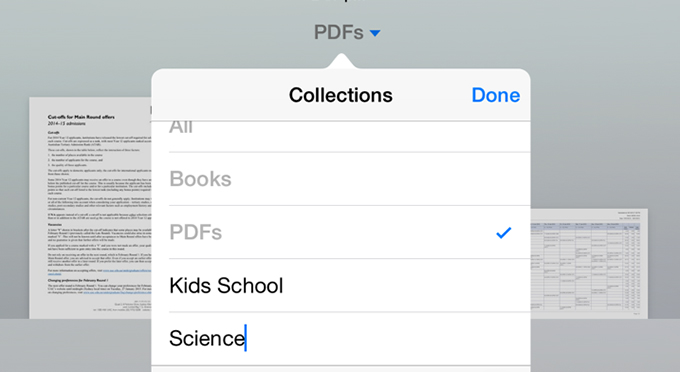
- Enter a name for the new Collection, in this example Science, then press anywhere else on the screen to return to your PDFs
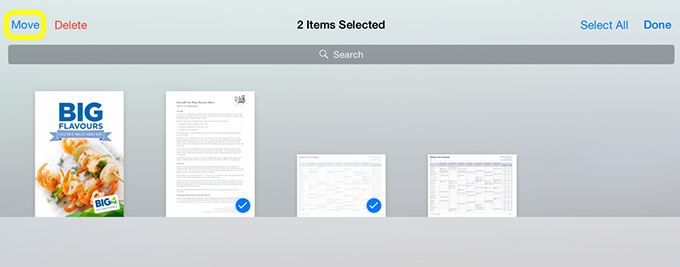
- Choose Select then press the PDFs that you want to move. When you have blue ticks on all of the PDFs you want to move, select Move
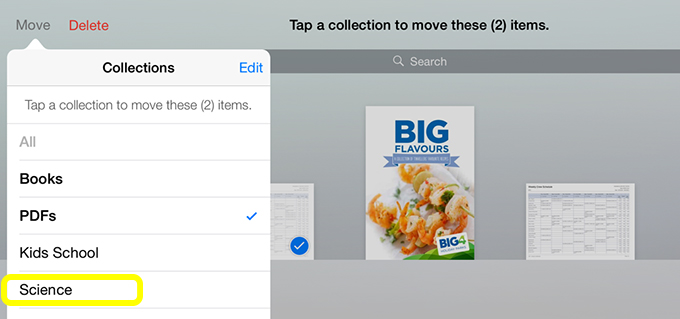
- Press the collection you want to move them to, in this example Science