Basic operators and functions
- If you want a specific phrase rather than words use inverted commas around the phrase.
- Google automatically performs an AND search if you enter two terms separately. If you would like an OR search, use the word OR in between the two search operators.
- If you want a particular file type (eg PowerPoint files) use filetype:ppt OR filetype:pptx
- If you want a certain type of site (eg educational websites from the UK) use site:ac.uk
- If you want to find files from a certain country (eg Iran) use site:ir
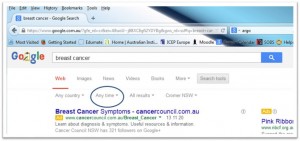
- If you want to find websites constructed within a certain timeframe enter the details in Google and press search. You can then refine your search by clicking on the button “Any time”
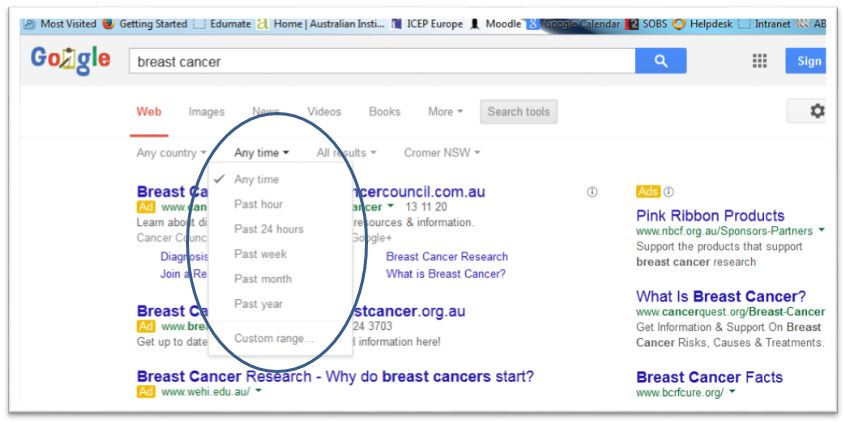
- Click on “Any time” and then select how recent you would like the websites to be.
- If you are interested in which websites link to the website you are looking at (very useful for checking the validity of websites) you enter link:[website address].
- If you want to find out who produced a certain website go to whois.net and enter the website.
- If you want to find websites that no longer exist – ie the link is broken then go to https://archive.org/ where you can enter in the Wayback machine the website and find it again.
For more Google Tips & Tricks goto https://www.google.com/intl/en_u/insidesearch/tipstricks/all.html