The Find My Friends app is automatically installed on all apple devices using iOS 9 or later. You can find detailed information on how to use the app on apple support.
You can turn off location services which effectively hides your location from everyone. You can do this one of two ways:
- Tap Find My Friends app and then tap Me.
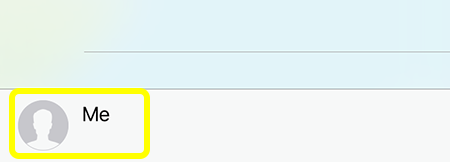
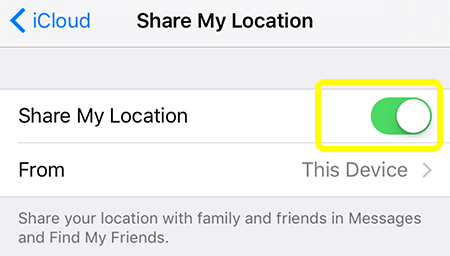
- Then toggle the Share My Location button to turn it off.
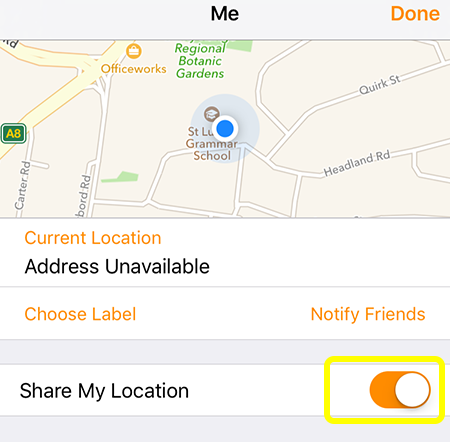
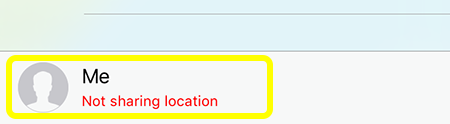
- Tap Done. You will see the words “Not sharing location” next to the Me icon at the bottom of the screen.
- You can also go to Settings > iCloud
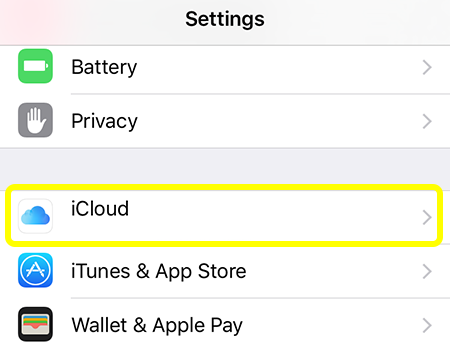
- Scroll down to Share My Location
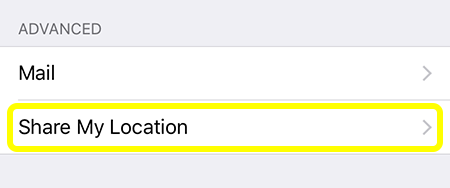
- Toggle the Share My Location button to turn it off
- If you’re using the Find My Friends app on iCloud.com, you can stop sharing your location by following these steps:
- Sign in to iCloud.com and open Find My Friends.
- Select Me.
- Deselect Share My Location.