To view upcoming School events
- Log into the Edumate portal using the log in details provided to you. If you need help logging in or require new log on credentials, please contact [email protected].
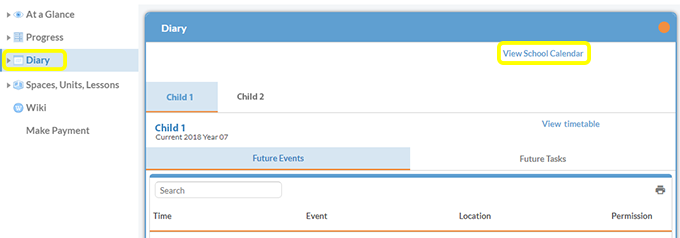
- Select the Diary portlet from the menu on the left. Select the tab of the child you wish to view event details for or select View School Calendar to view all events.
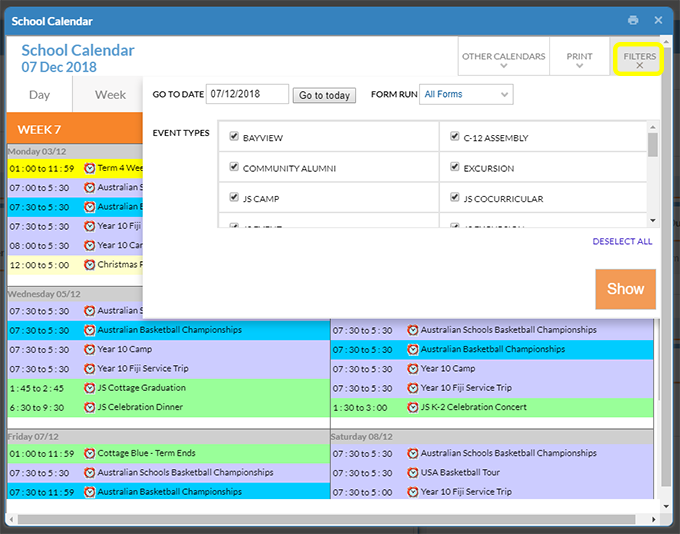
- Once the School Calendar pop up box opens, you can adjust what you see on the calendar by clicking the Filters box and selecting a certain date, certain types of events or events only relating to a particular year group.