Foldr uses your existing school user account to provide access to your home drive, other shared drives and cloud based files WITHOUT connecting to the school network. It works across all types of devices so this means that you can now access files from both laptops, iPads and even your own smartphone. Staff no longer need to VPN into the school network at home.
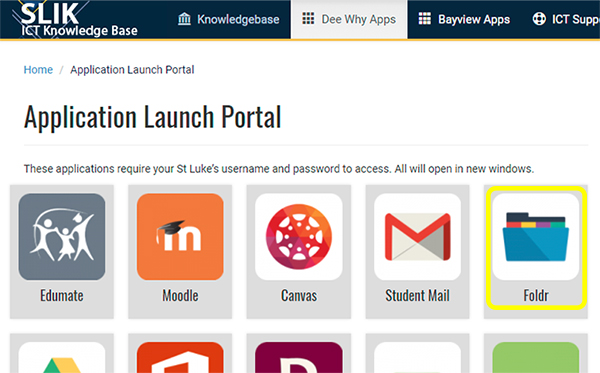
- Navigate to the SLIK My School Apps page and select the Foldr icon. Sign into the login screen with your school username and password.
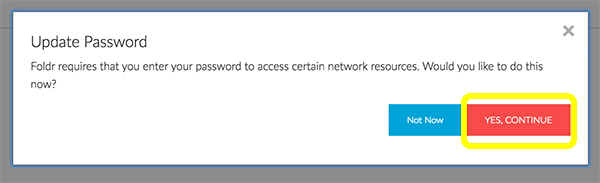
- The first time you access Foldr you will be asked to update your password. Select YES, CONTINUE and enter your CURRENT password
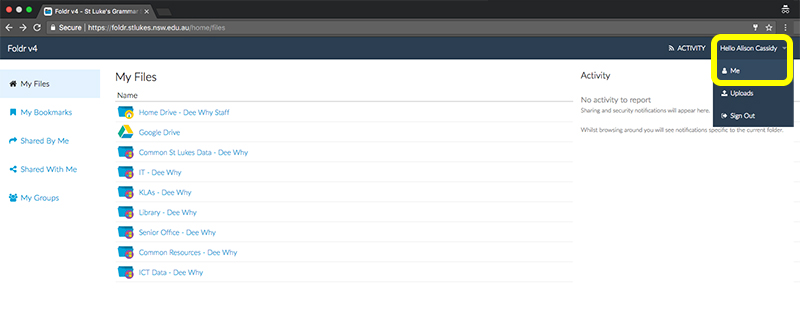
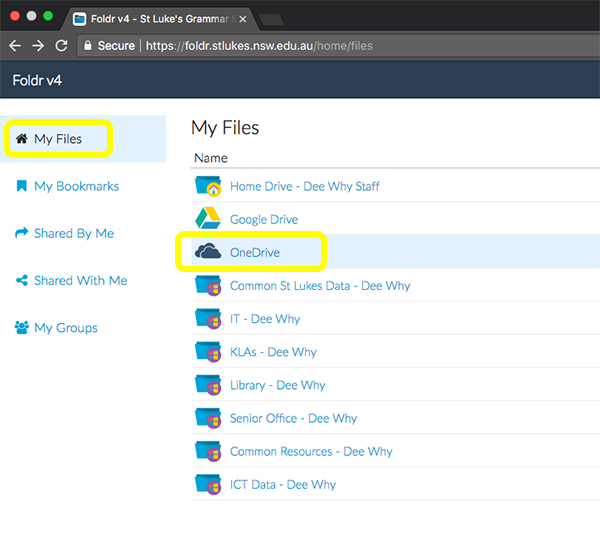
- You will then see your files. Google Drive is automatically connected however you can connect other services such as OneDrive. Drop down the menu under your login name and select Me
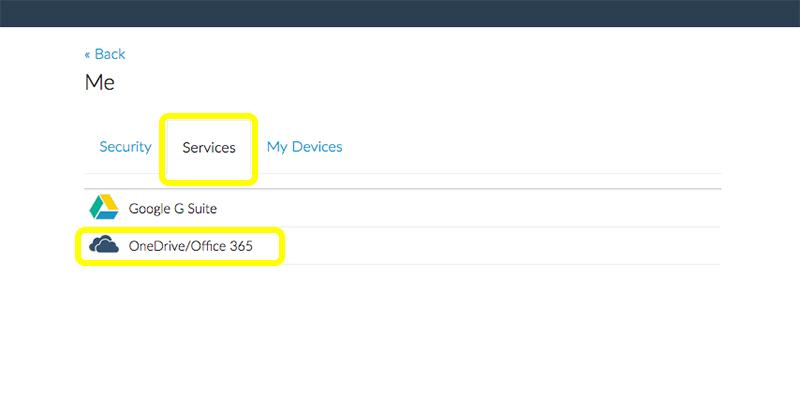
- Under the Services tab select the service you want to connect.
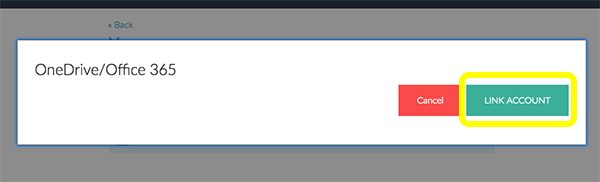
- Select LINK ACCOUNT
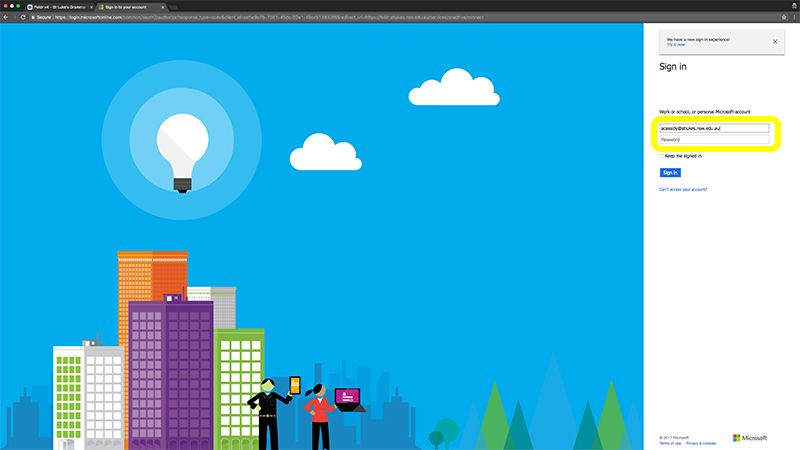
- Log in with your school email and password
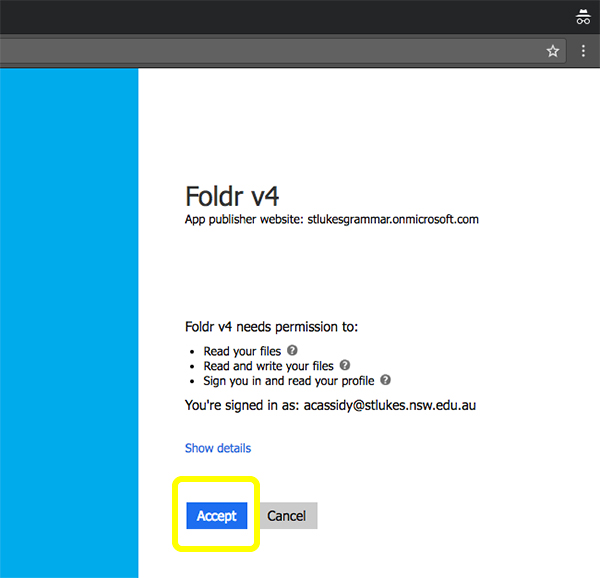
- Select Accept
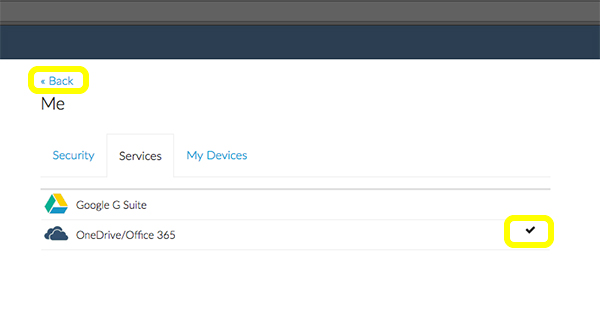
- Once completed you will see a tick next to the service you have connected. Select <<Back to return to your files
TAGS:foldr