AirPlay is used in order for students to project content from their iPads onto the teacher’s whiteboard.
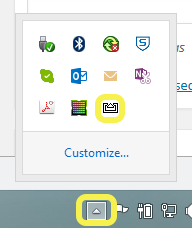
- On the teacher laptop open the AirServer app. On a Mac, the icon is located on the top menu bar. If it does not appear on the top menu bar you will need to launch it from Launchpad. On a PC it is located as shown below.
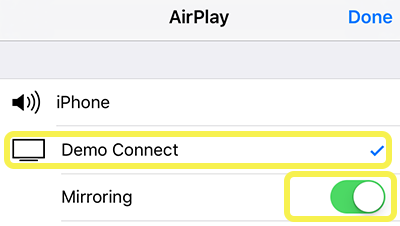
- Select the correct teacher device from the list and enable mirroring
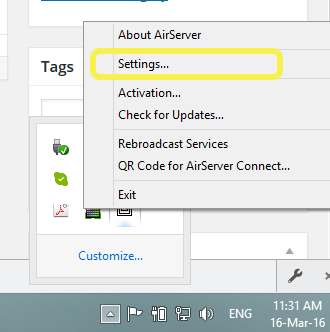
- You may be prompted for a password. To access this, right click the AirServer icon on the teacher device and select Settings…
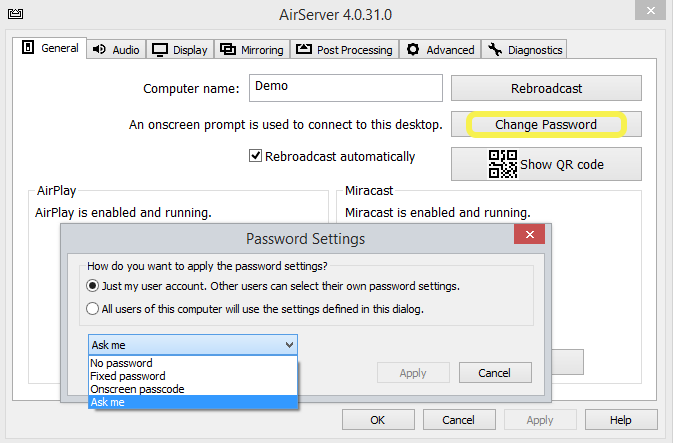
- Within Settings select Change Password. A box will open which allows you to change your password settings.