It is simple to email your class or an entire year by using Edumate.
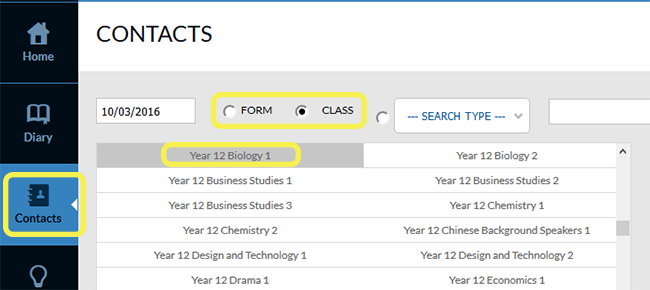
- Select the Contacts tab then select the radio button for either FORM or CLASS. Select your class.
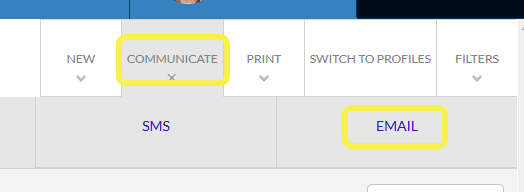
- Select the Communicate tab and then Email.
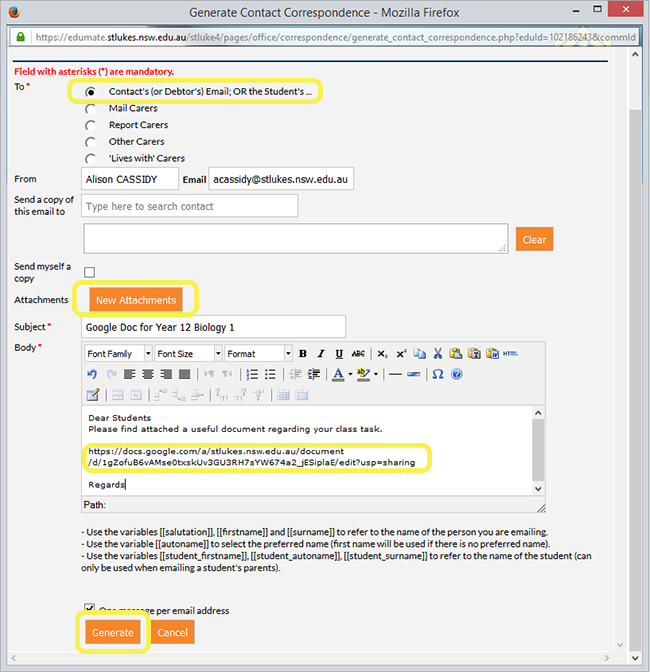
- A pop-up window will appear. Choose the first radio button “Contact’s (or Debtor’s) Email; OR the Student’s…” – in this situation this will email the students. You can upload documents via the New Attachments button. You can also paste a link (for example a Google Doc link) in the main body of the email. When ready select Generate.
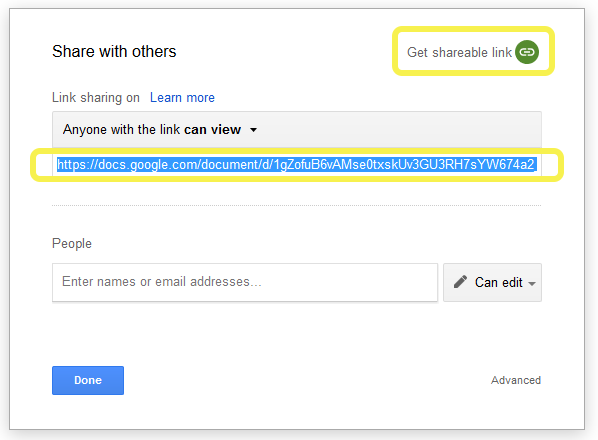
- To generate a shareable link in a Google Doc, select the Share button on the top right of your document screen.
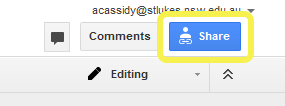
- Select Get shareable link then copy the link that appears below. Paste this link into the body of your email.
TAGS:edumate