To create a Bookmark in the Safari app
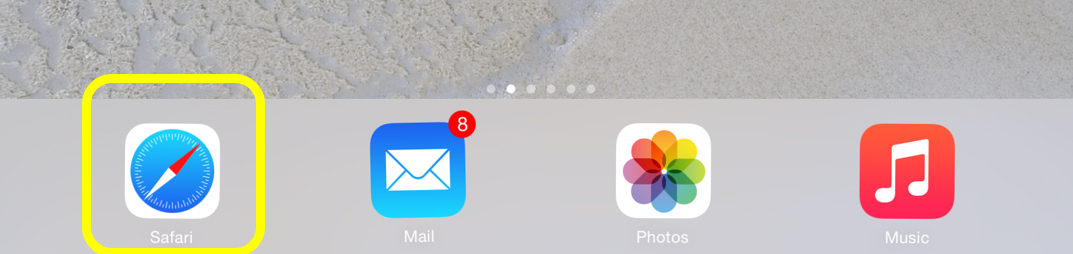
- Open the Safari app
- Open the page you want to create a bookmark for
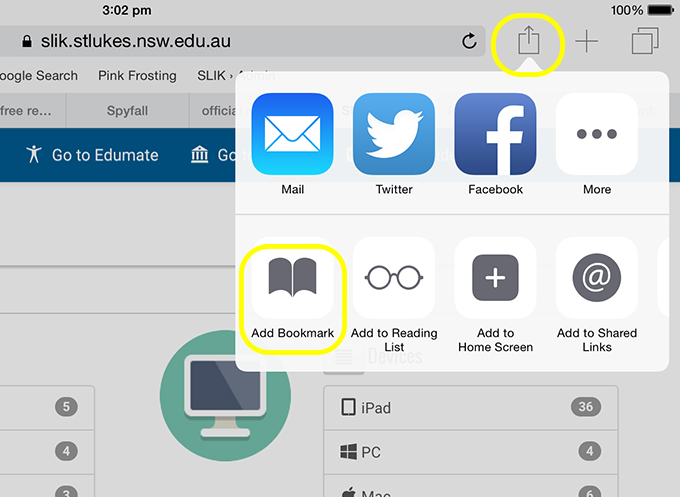
- Press the Options icon to the right of the address bar. Then choose Add Bookmark
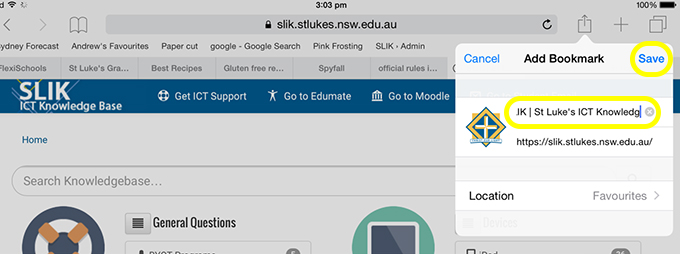
- Enter a name for your bookmark and press Save
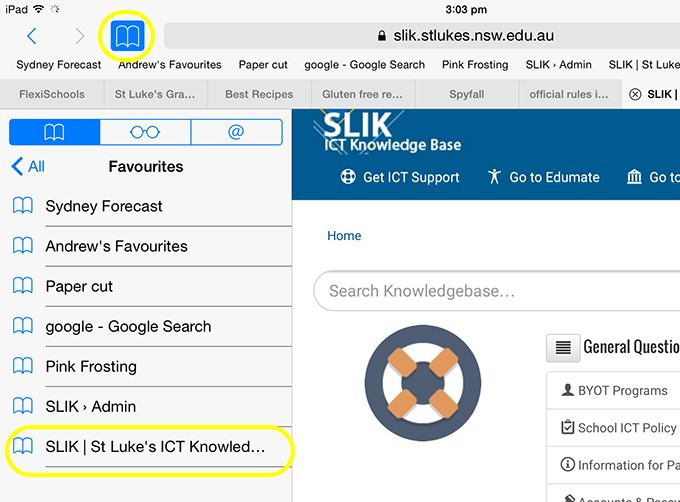
- You will then see it listed under when you view your bookmarks