To download an app on your iPad
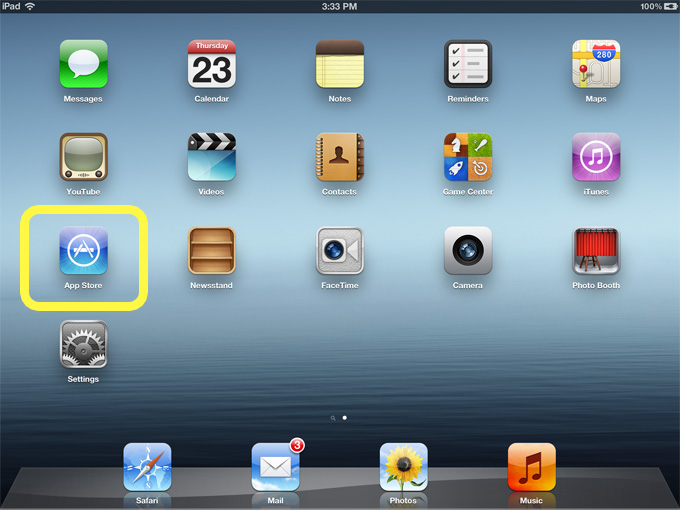
- Open the App Store app
- Search for an app in the search bar on the top right hand corner, eg: crossword
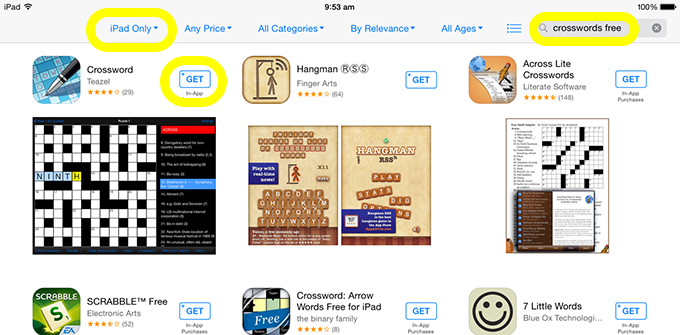
- Select iPad Only as opposed to iPhone Apps. You can select the GET button (if the app is not free this will show the $ amount) or if you want to find out more about the app select the picture. This will take you to detailed information about the app as well as providing the same GET button which you can then select.
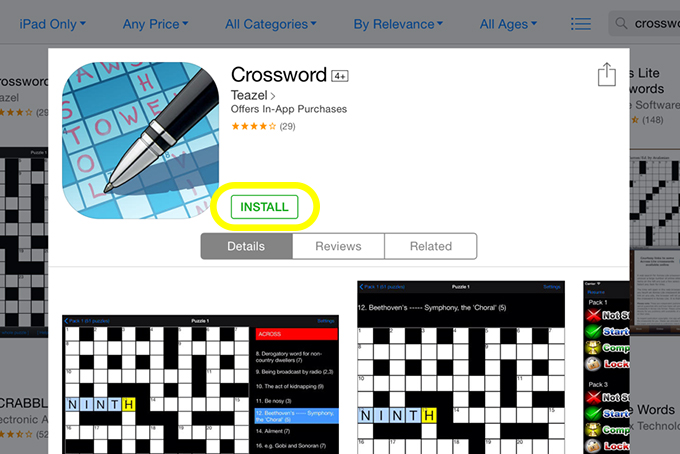
- When selected this button changes to INSTALL
- Sign in with your Apple ID. If you haven’t yet created an Apple ID, see the post on Creating an Apple ID. Click here if you have forgotten your password.
- You will then see your selected App download on your iPad