Students and staff should access Pearson Places via the SLIK My School Apps page. If requested, log in with the username and password provided to you by ICT.

How to use the Pearson eBook app
- Open the Pearson eBook app. This is available for free from the App Store.
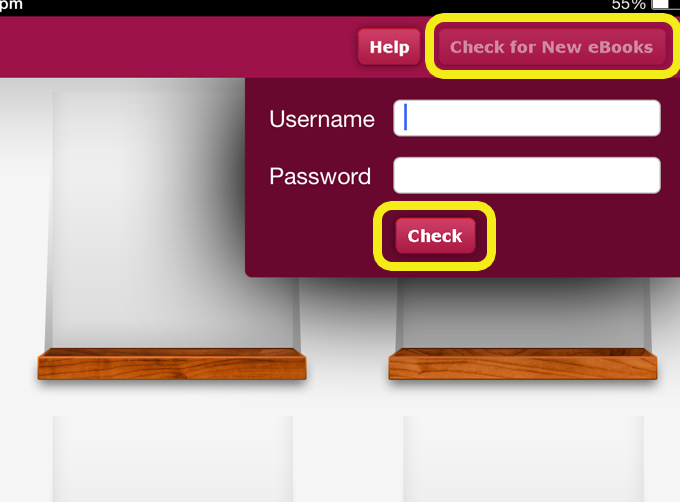
- Select Check for New eBooks, then enter your Username & Password & select Check.
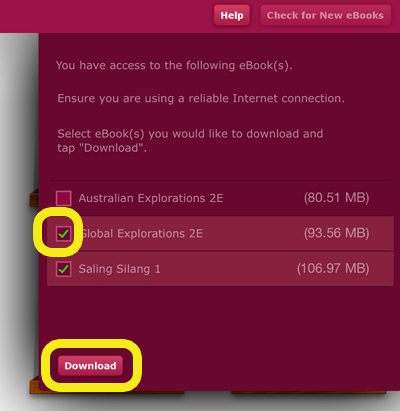
- Check the books you wish to download then select Download.
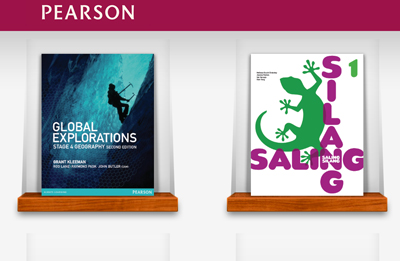
- Once the books have downloaded click on the book cover.
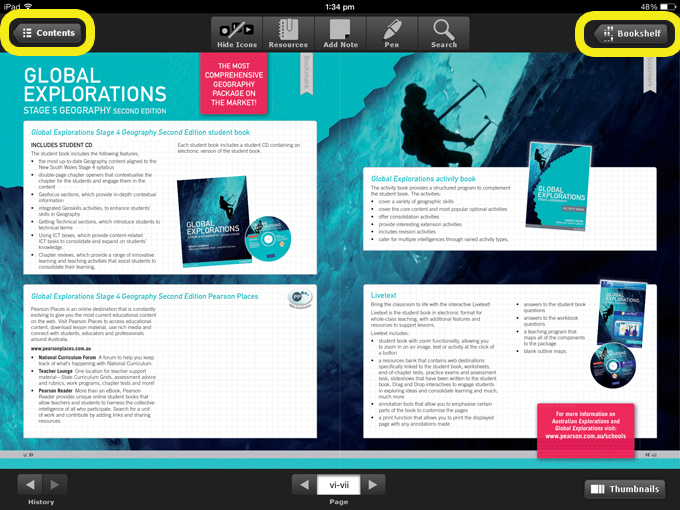
- To view the contents select the Contents icon.
- To return to your home page to view a different text book select Bookshelf.